
Live AI-Translation
With LiveVoice, you can listen to all plenary sessions live.
The AI translation is available in French only.
Instructions on how to access and use the AI translation feature can be found below.
- Smartphone with internet connection (Wi-Fi or mobile data)
- Headphones recommended (less background noise, better audio quality)
- You can mute the audio at any time and reactivate it later
Step 1
Recommended: Use the LiveVoice App
For the best user experience, you can download the free LiveVoice app to your smartphone.


Alternative: Use Without the App
Scan the QR code using your smartphone camera.
You will be redirected directly to the translation page in your web browser.
Step 2
With the App
Scan the QR code using your smartphone camera.
The LiveVoice app will automatically open the room. Alternatively, you can enter the room code manually.
Without the App
Scan the QR code using your smartphone camera.
The translation will open directly in your web browser.
| Room | Code | QR-Code | Direct link |
|---|---|---|---|
| Plenary | 904 916 |
|
|
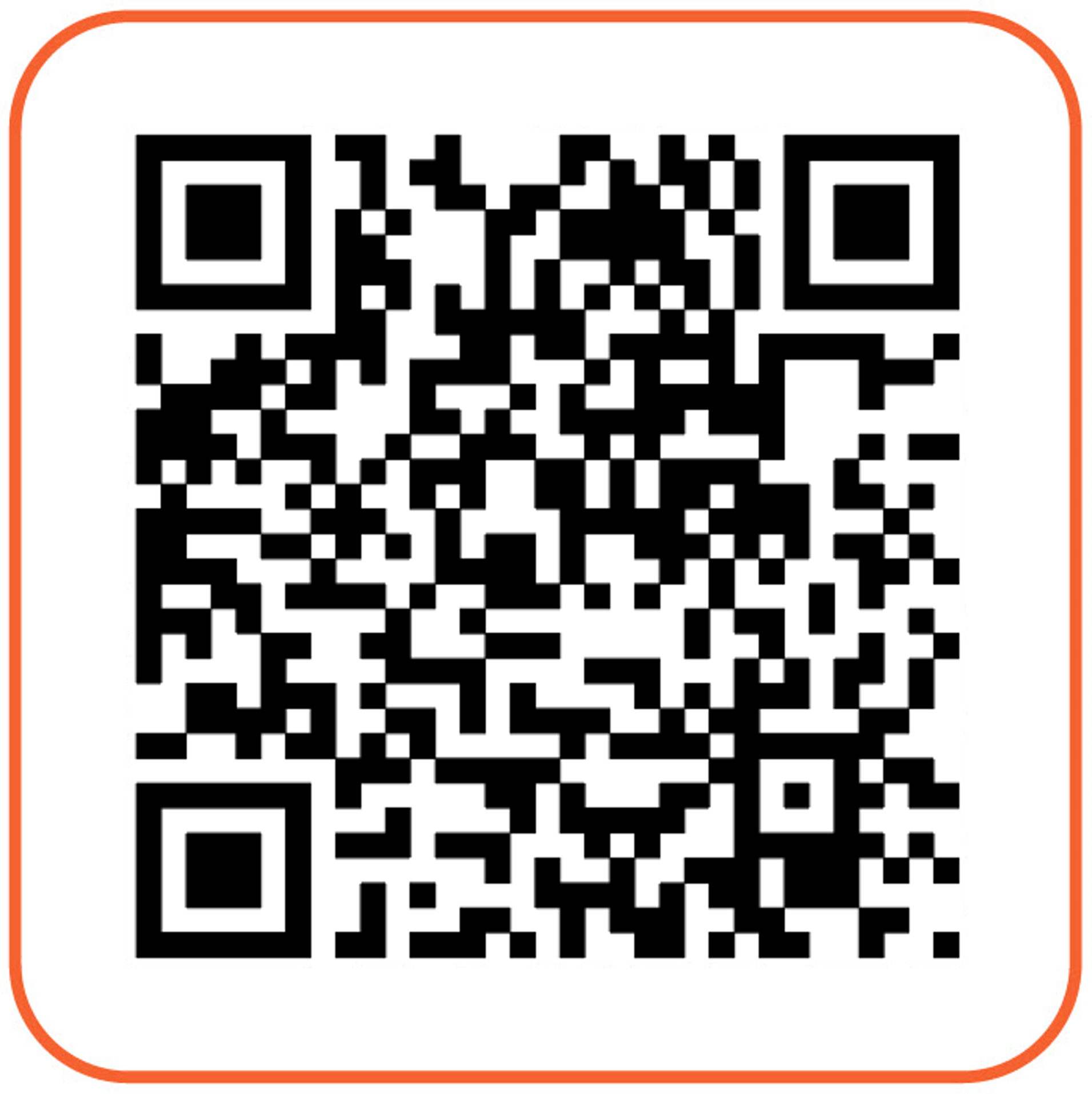 With LoveVoice App
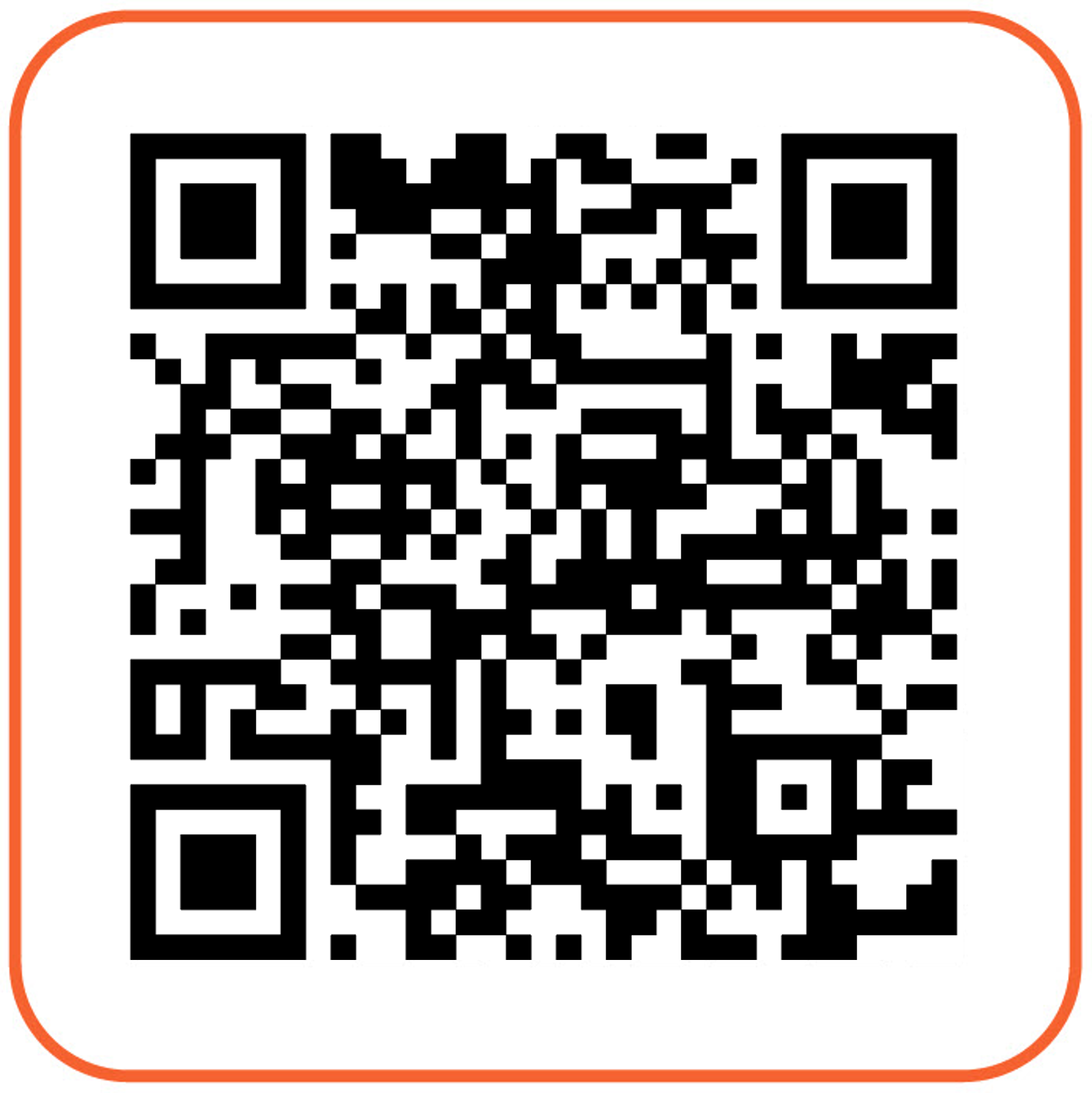 With browser
Help & Detailed Instructions
If you need assistance: Info Desk on site or call +41 (0)61 836 98 76.
